

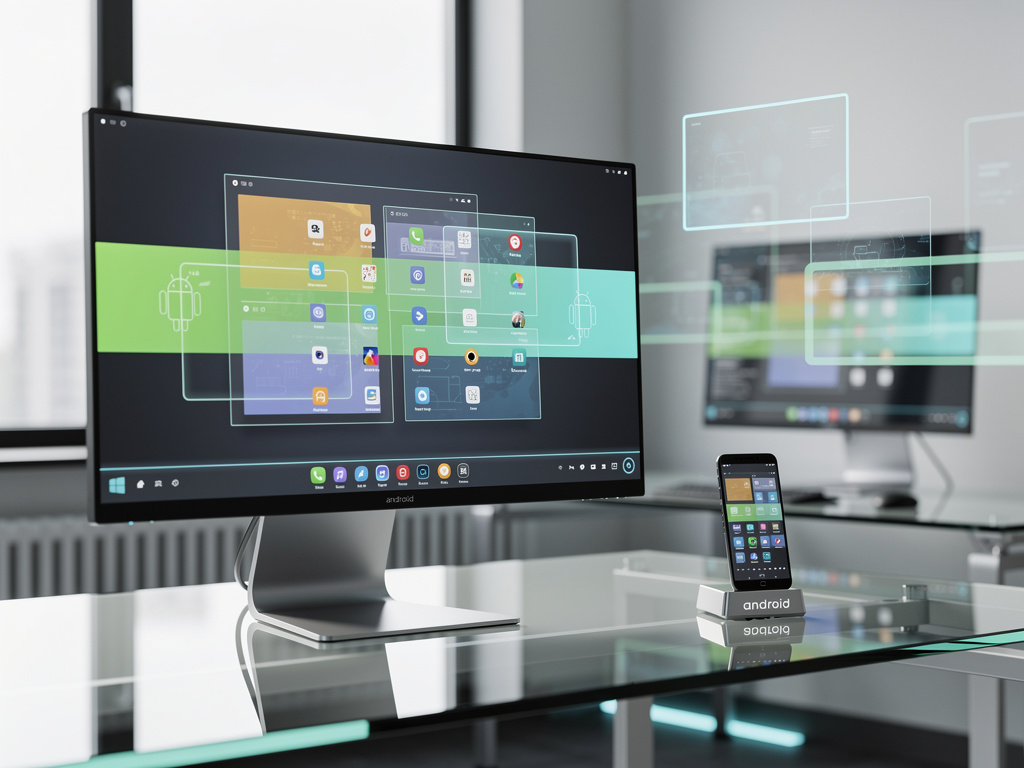
The Android desktop interface is a new system under development by Google to extend Android into traditional desktop-style computing. The interface introduces desktop features such as a taskbar and resizable application windows. These changes are designed to make Android function more like a conventional operating system on larger screens. The initiative targets tablets and other devices that support keyboards, mice, and external monitors.
Android Desktop Interface and Window Management
The Android desktop interface includes advanced window controls similar to those found on PC operating systems. Users can open multiple apps at once and arrange them freely on the screen. Windows can be resized and repositioned to support multitasking. The interface also includes a persistent taskbar for app access and navigation. These features build on Android’s existing multi-window support but expand it into a full desktop-style layout.
System Architecture Changes in Android Desktop Interface
Implementing the Android desktop interface requires changes to Android’s internal architecture. Android was originally designed for touch-first mobile use. Desktop-style operation introduces new requirements for input handling and resource allocation. Window management systems must support overlapping apps and continuous background activity. These adjustments allow Android to handle more complex productivity workflows.
Android Desktop Interface and Platform Competition
The Android desktop interface places Google alongside other companies working to merge mobile and desktop platforms. Apple supports iOS apps on macOS through its own processors. Microsoft is advancing Windows on Arm-based hardware. Google’s approach positions Android to operate across phones, tablets, and desktop-like devices using a single platform. This could allow Android to compete more directly in traditional computing environments.
Developer and Hardware Support for Android Desktop Interface
Application compatibility is a key factor for the Android desktop interface. Many Android apps were designed for touch screens and small displays. Developers may need to adjust layouts for keyboard and mouse input. Hardware manufacturers also play a role in adoption. Devices from partners such as Samsung and Lenovo already support external displays and productivity accessories. These devices could serve as early platforms for the desktop interface.
The Android desktop interface represents a shift in how Android may be used across different device categories. Google continues to expand Android’s role beyond mobile-focused use cases.